Can't activate a license using QLM Wizard

On a customer's computer I have tried using the qlmwizard and get message saying license key is invalid.
I've run the wizard from the dos prompt as Admin as well.
Thanks.
-
Official comment

You're welcome.
-
Hi Michael
Can you clarify how you are launching the QLM License Wizard? Are you providing command line arguments? Which ones?
If you add the /verbose command line argument, the license wizard will display a series of message boxes with information that can help diagnose the issue. Please add the /verbose argument and send me screenshots of these dialogs.
Regards
John
0 -
I was running via a call from my program and I have also tried it using the dos command prompt with the /settings and /uisettings
I just ran it using verbose - attached are the screen shots.

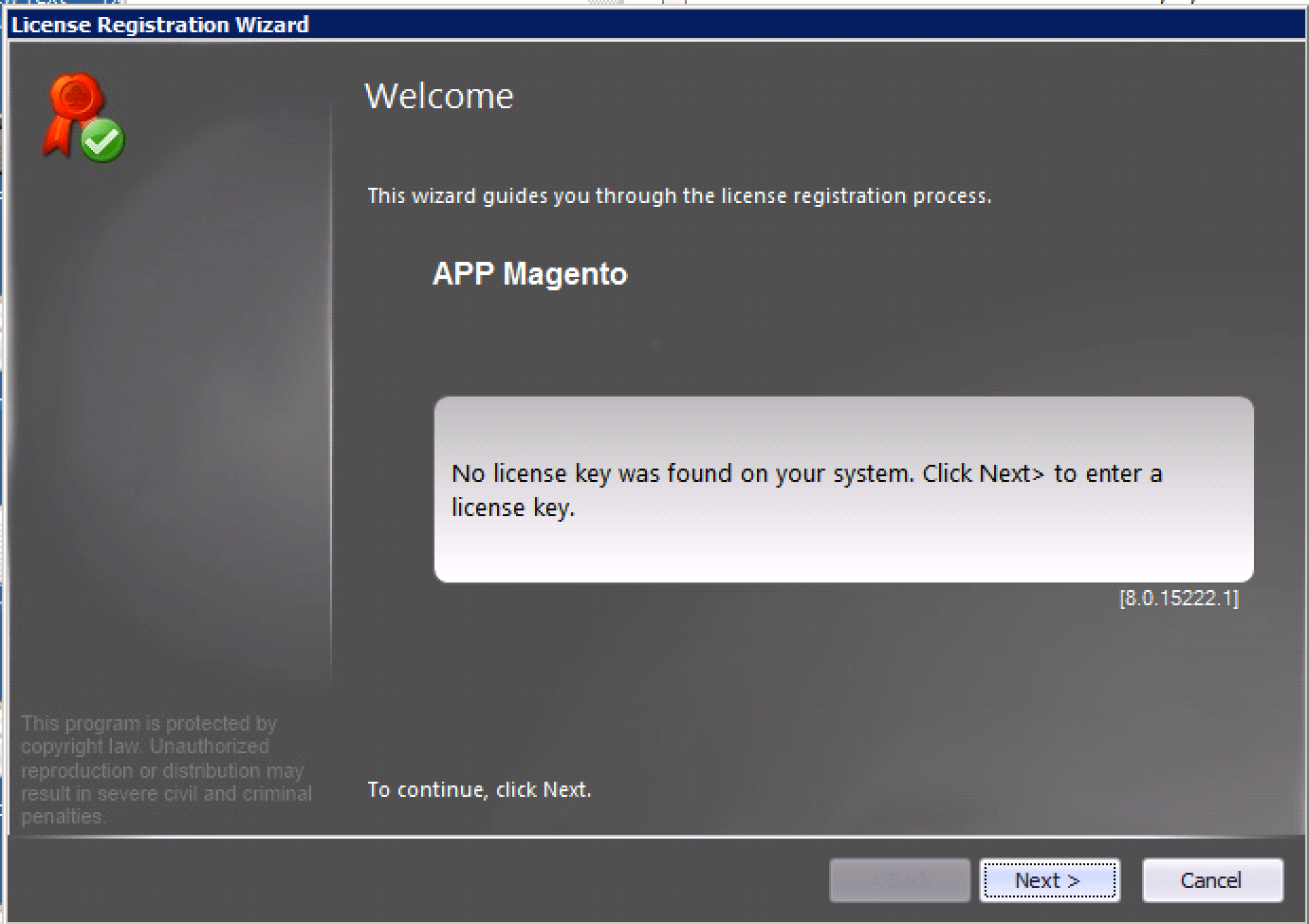

 0
0 -
Hi Michael
If you try the same validation on your own system, does it work? Is the issue isolated to a single system?
Regards
John
0 -
I was able to activate from another computer.
0 -
Hi Michael
I would then check if all the required binaries have been properly installed on this customer's system. Could you get a screenshot of Windows Explorer in "Detailed View" showing all the binary files that are installed alongside QlmLicenseWizard.exe?
John
0 -
Thank you - John!
The IsLicense50.DLL did not get copied over.
0
Please sign in to leave a comment.
Comments
7 comments